


Platform recording
Built-in auto highlights from platforms like FACEIT, usually limited to matches played there.
- Price
- Membership required
- Convenience
- Auto-generated
- Video quality
- Platform watermark
- Video storage
- Clips may expire
CS2 demo highlight generation
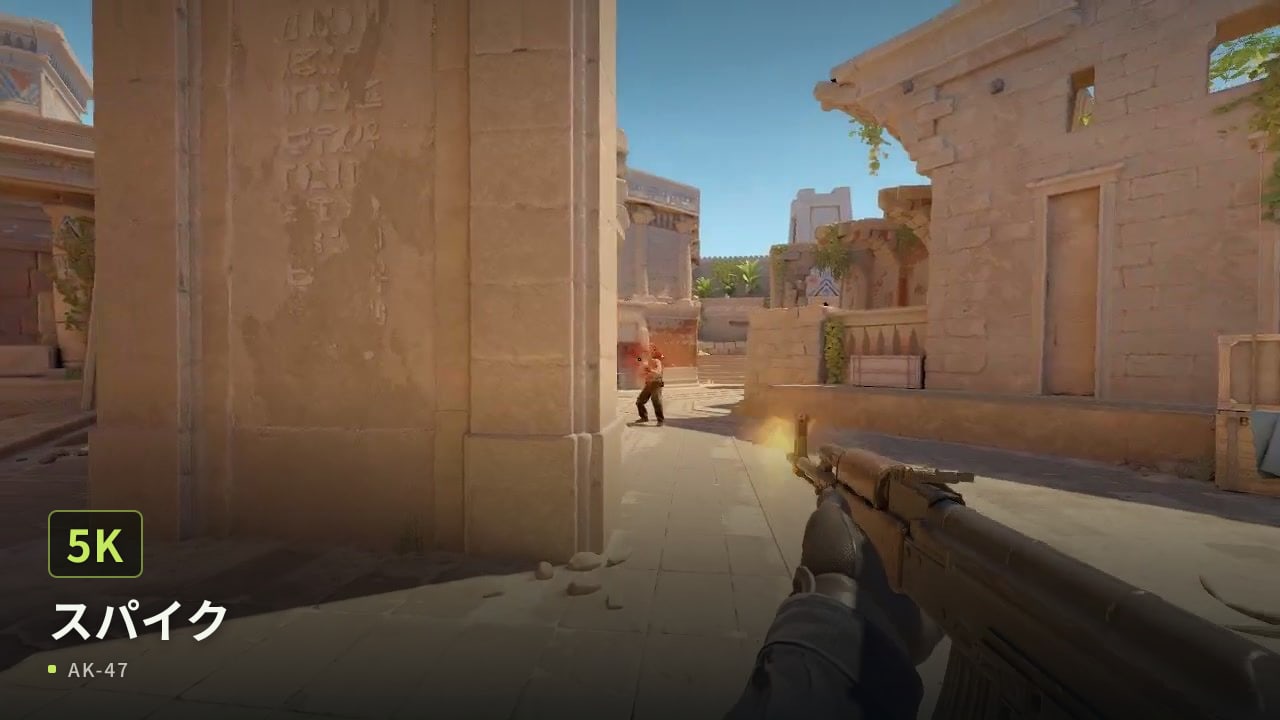
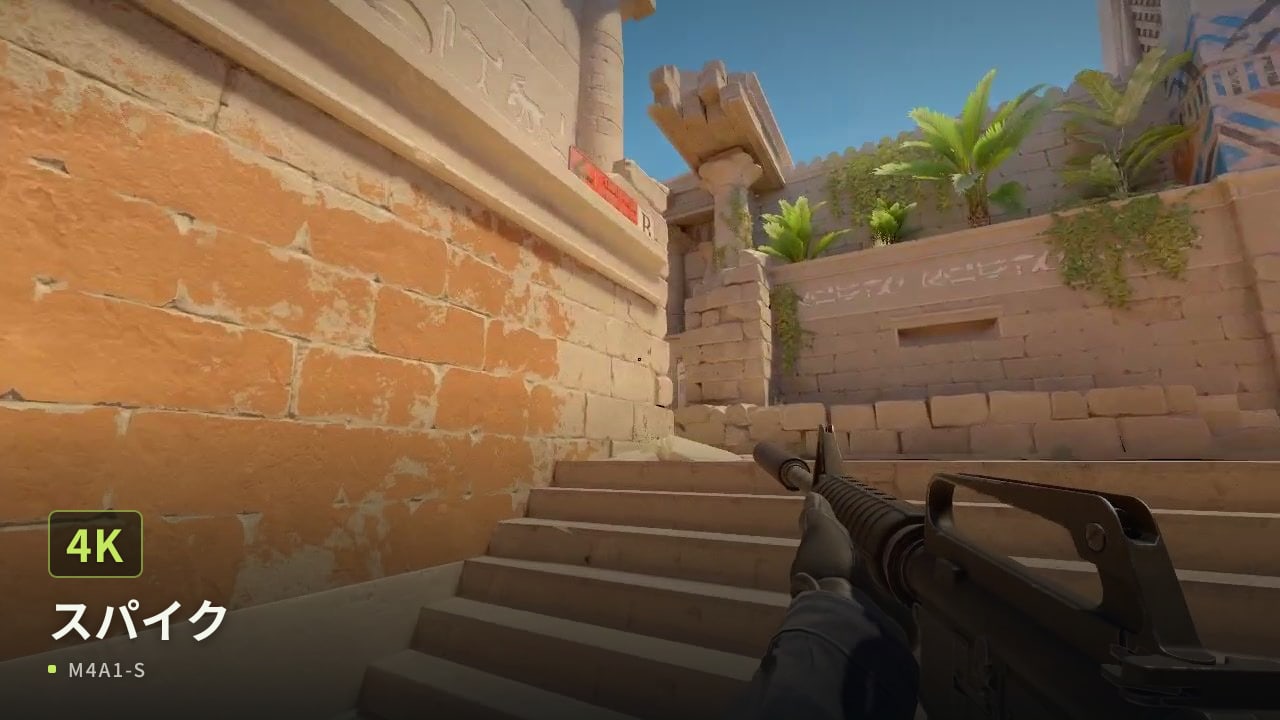
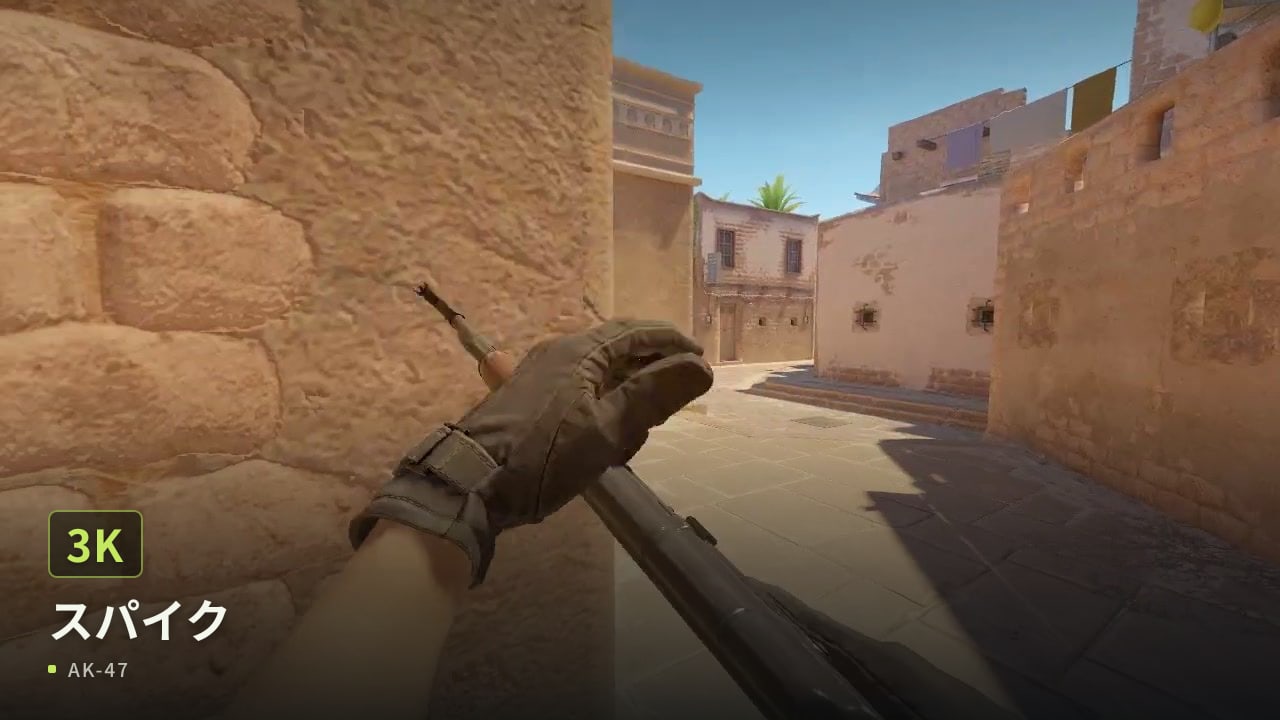
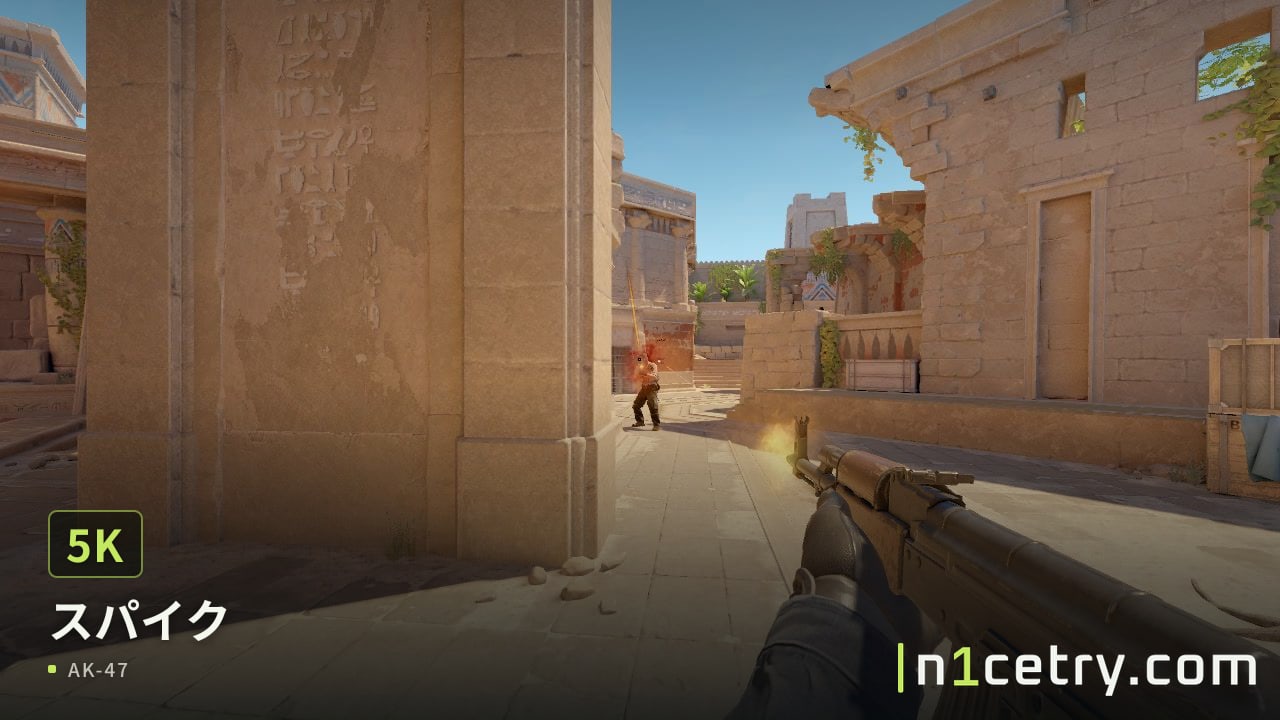
Upload a local demo, choose a multi-kill, clutch, or key round, and create a video to share. No manual searching, recording, or editing needed.
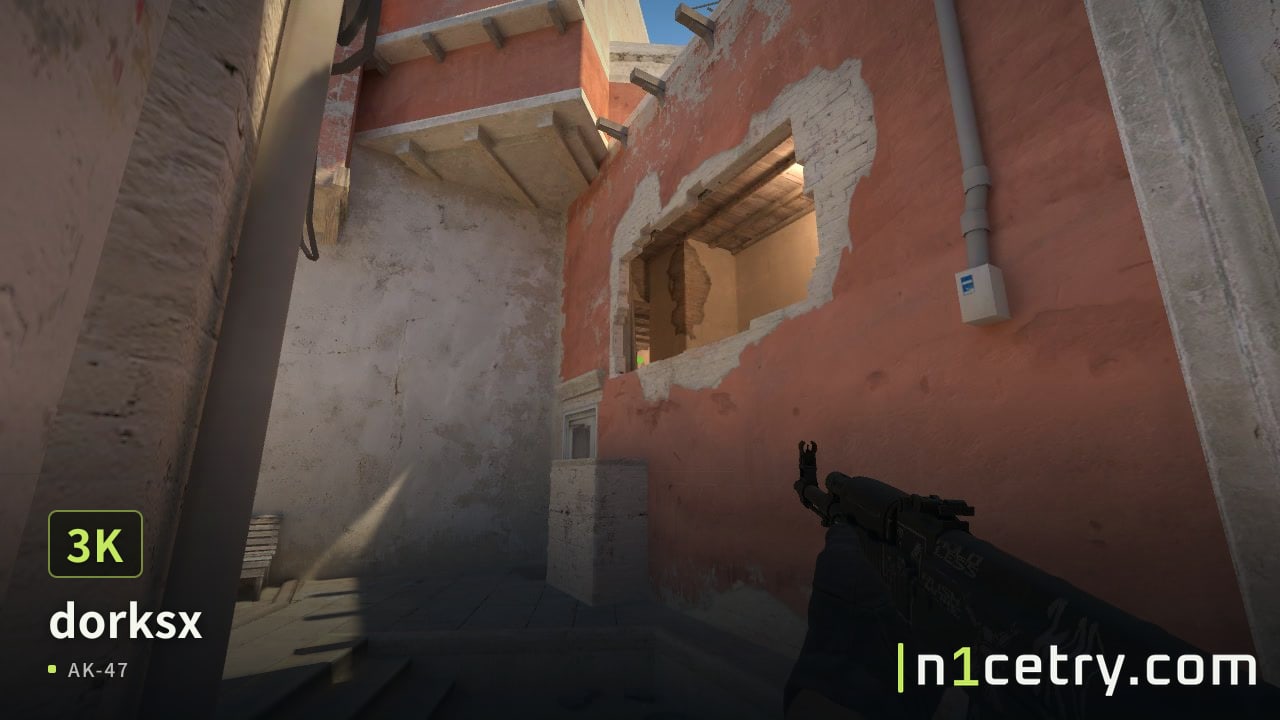
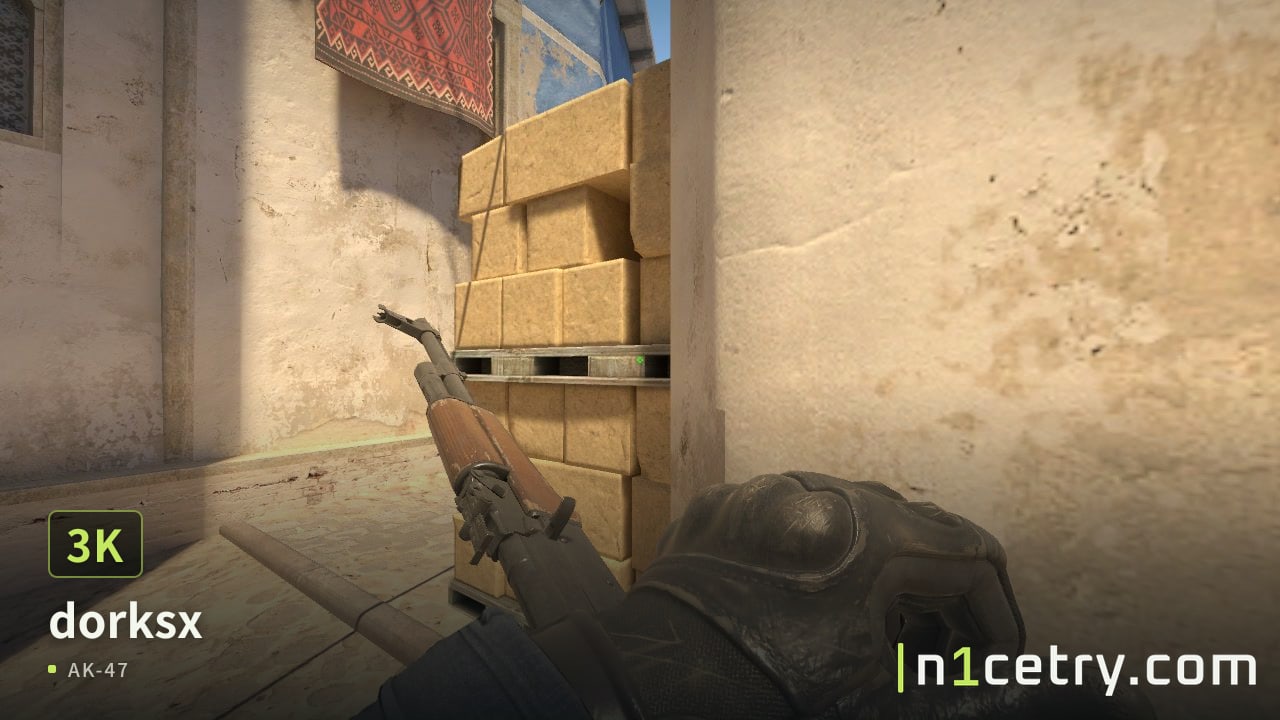
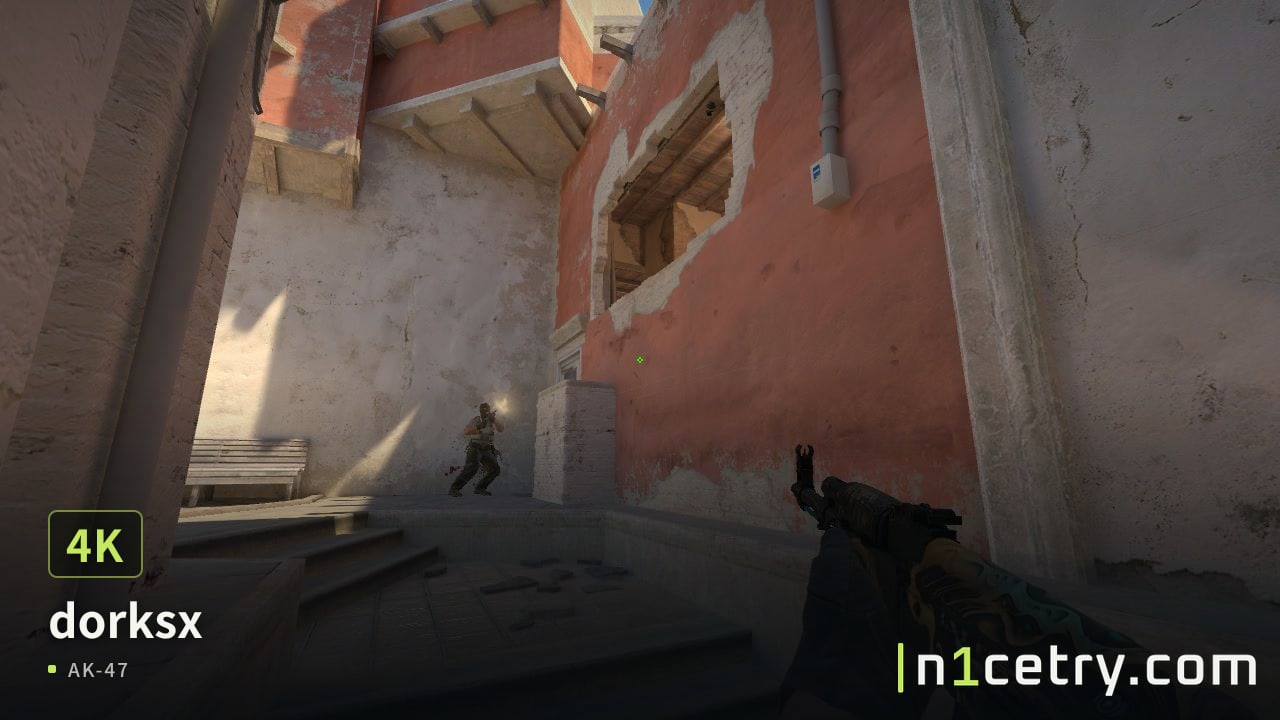
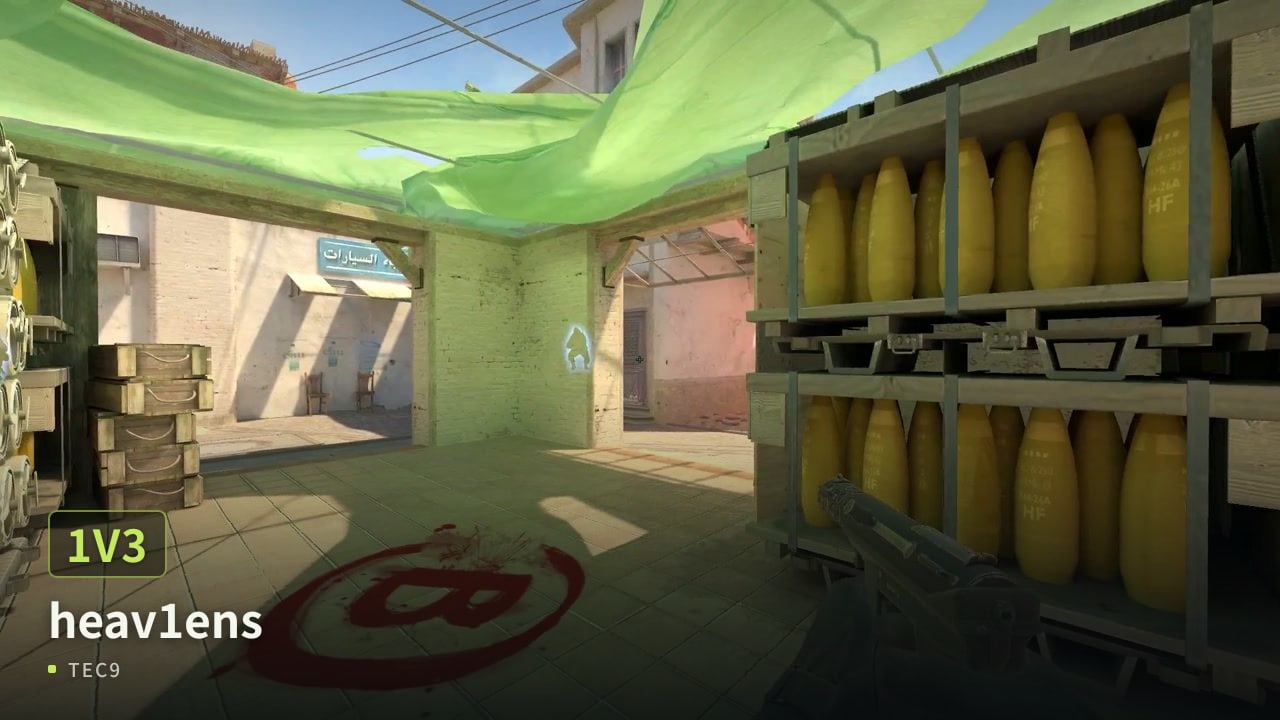
dorksx Triple Kill, created by 76561199506674696. Clip 1 of 12.
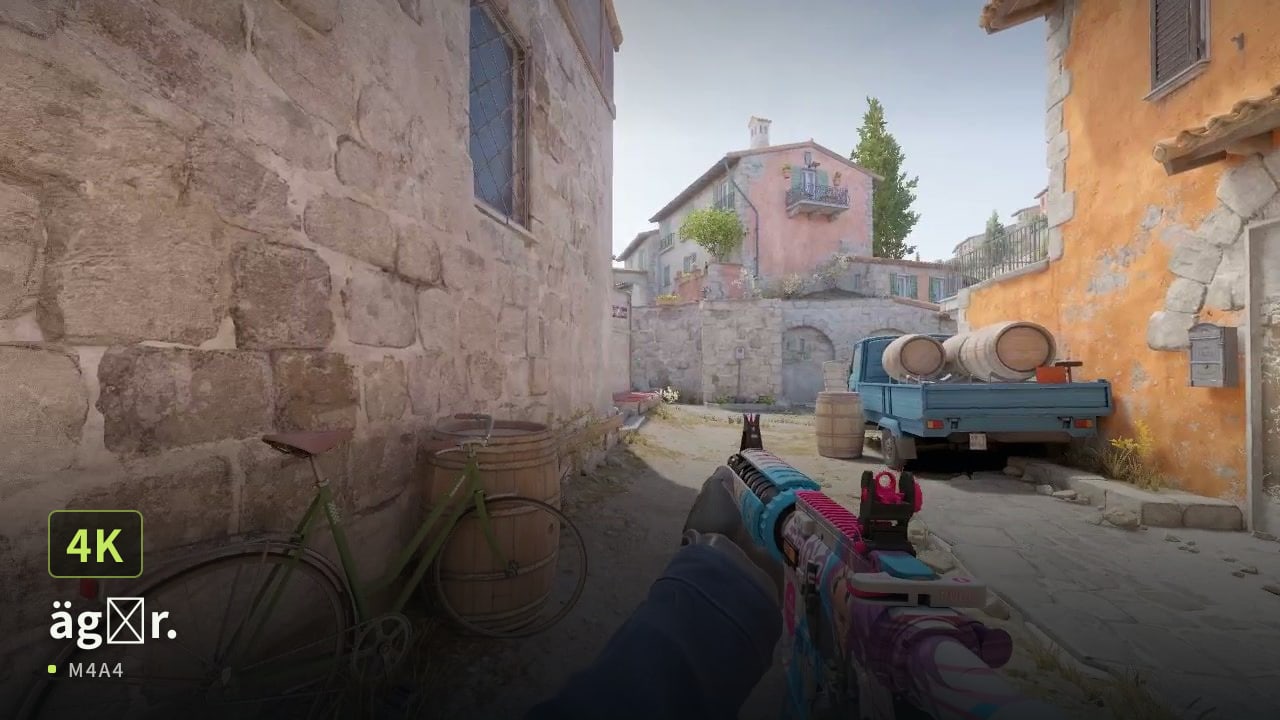
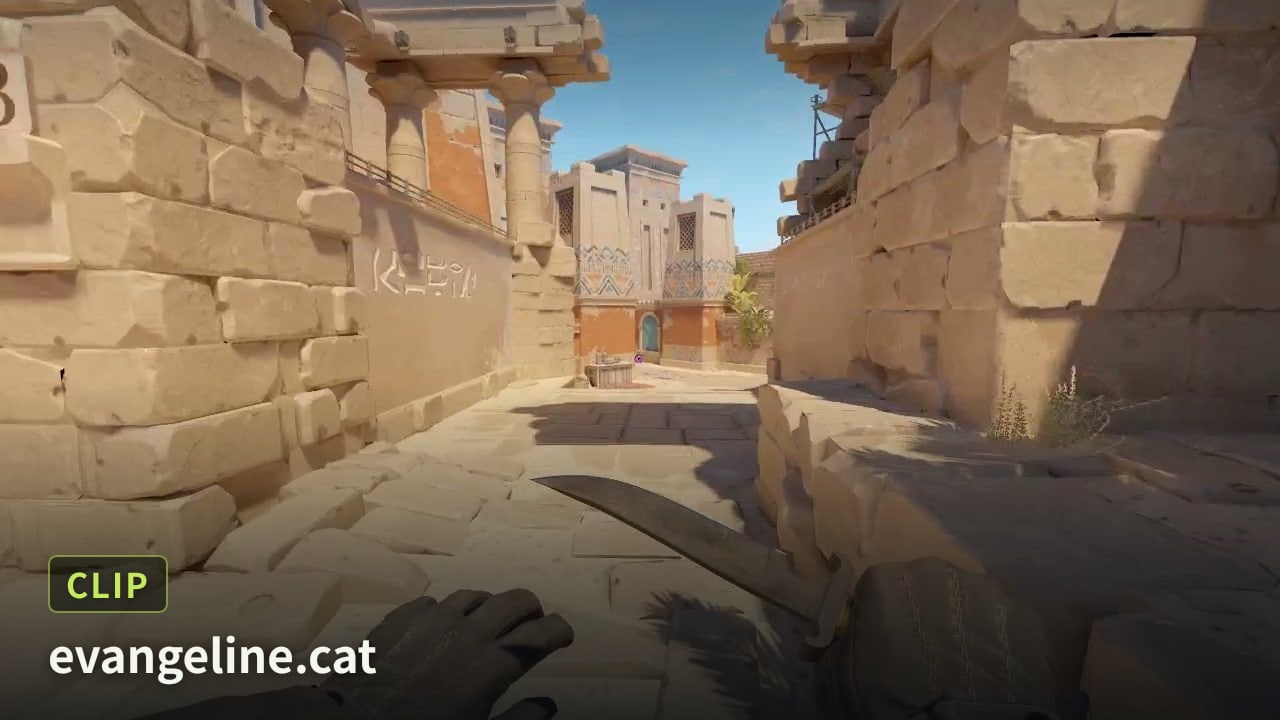
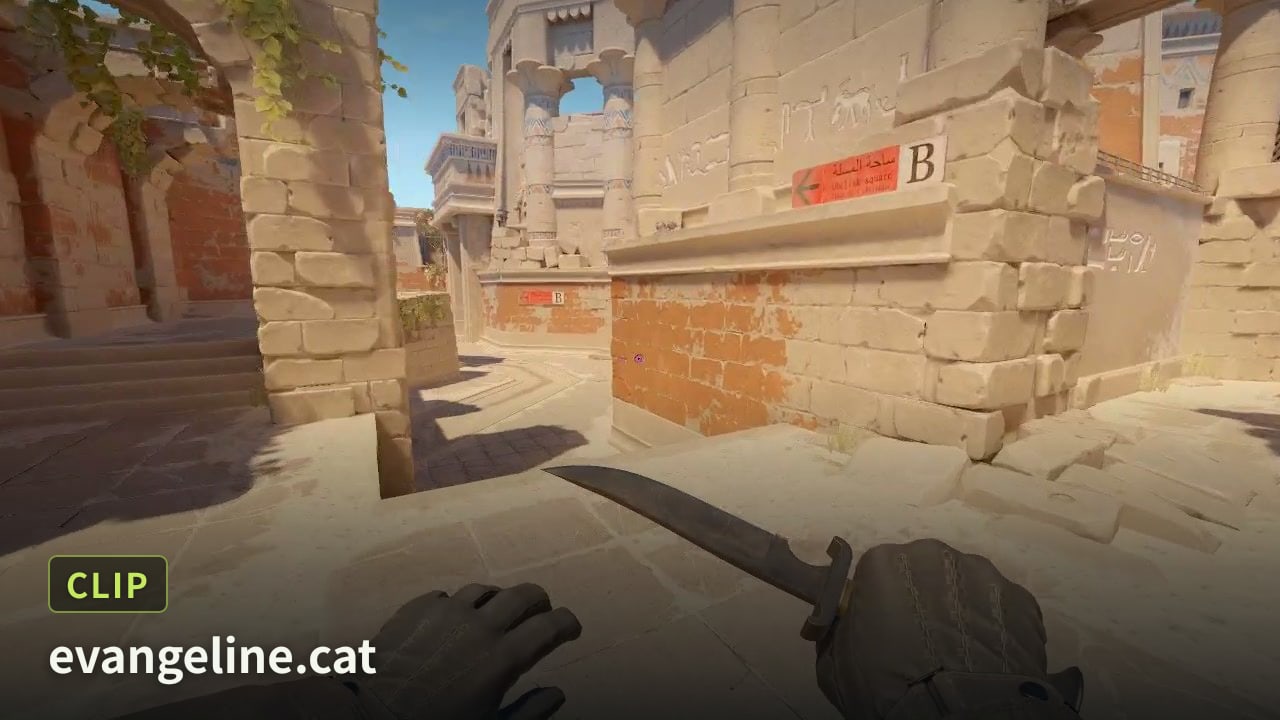
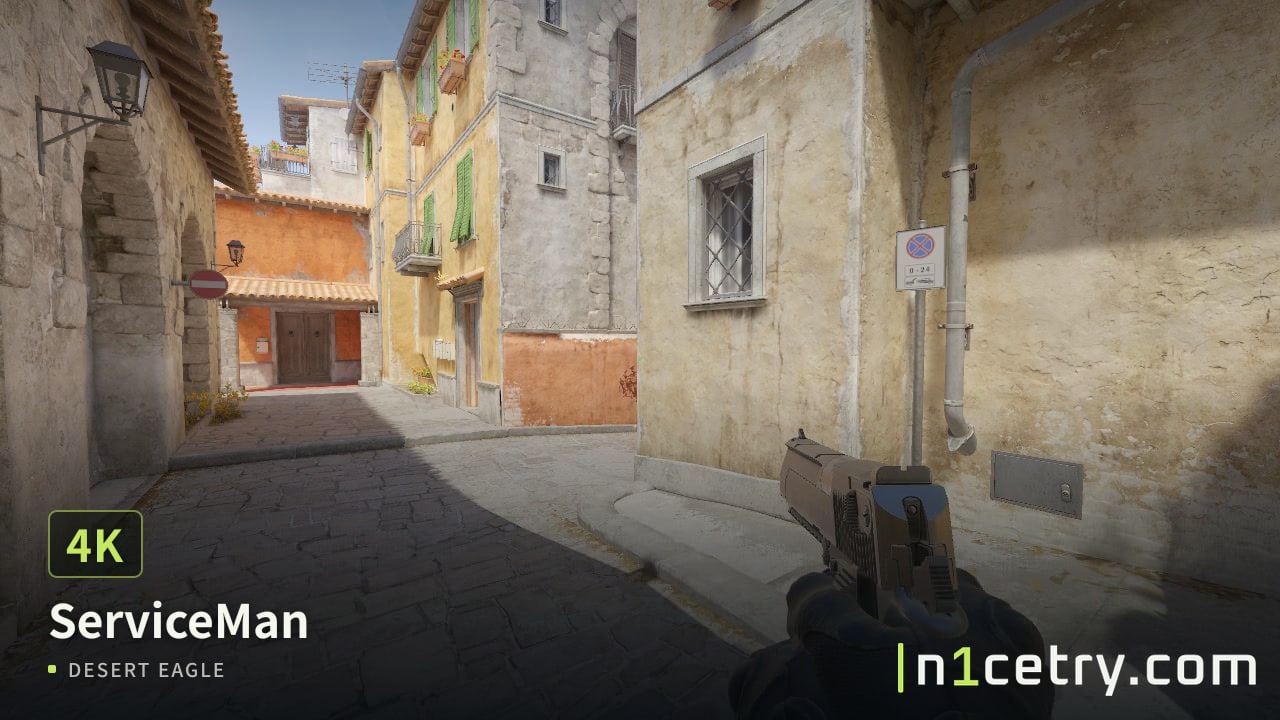
Watch the latest CS2 highlights created by players.
Recording options
Compare the time required, video quality, and how clips are stored.
Built-in auto highlights from platforms like FACEIT, usually limited to matches played there.
Records live gameplay only. You can't go back to record a missed round.
Launch the game, load the demo, find a round, and start and stop recording yourself.
HLAE + FFmpeg give you control over recording and encoding, but require setup.
Upload a demo and choose a highlight. The video is recorded in the cloud and saved to your library.
Features
01
Choose a local demo file in Studio. Uploading and parsing start automatically.
02
Choose from automatically identified multi-kills, clutches, and key rounds.
03
Choose a highlight, set the quality, watermark, and POV, then submit your task.
04
Finished videos stay in your library and public profile, ready to replay, download, and share.
Features
Upload a demo for cloud recording without launching CS2 or installing recording software.
Find multi-kills and clutches automatically, then adjust clip boundaries by tick.
Record in the cloud without a HUD, at up to 1080p 60fps.
Idle time is cut from your highlight and the remaining clips are joined into one video.
Videos stay in your library to replay, download, or delete anytime.
Videos appear on your public profile by default. Share them with a link.